
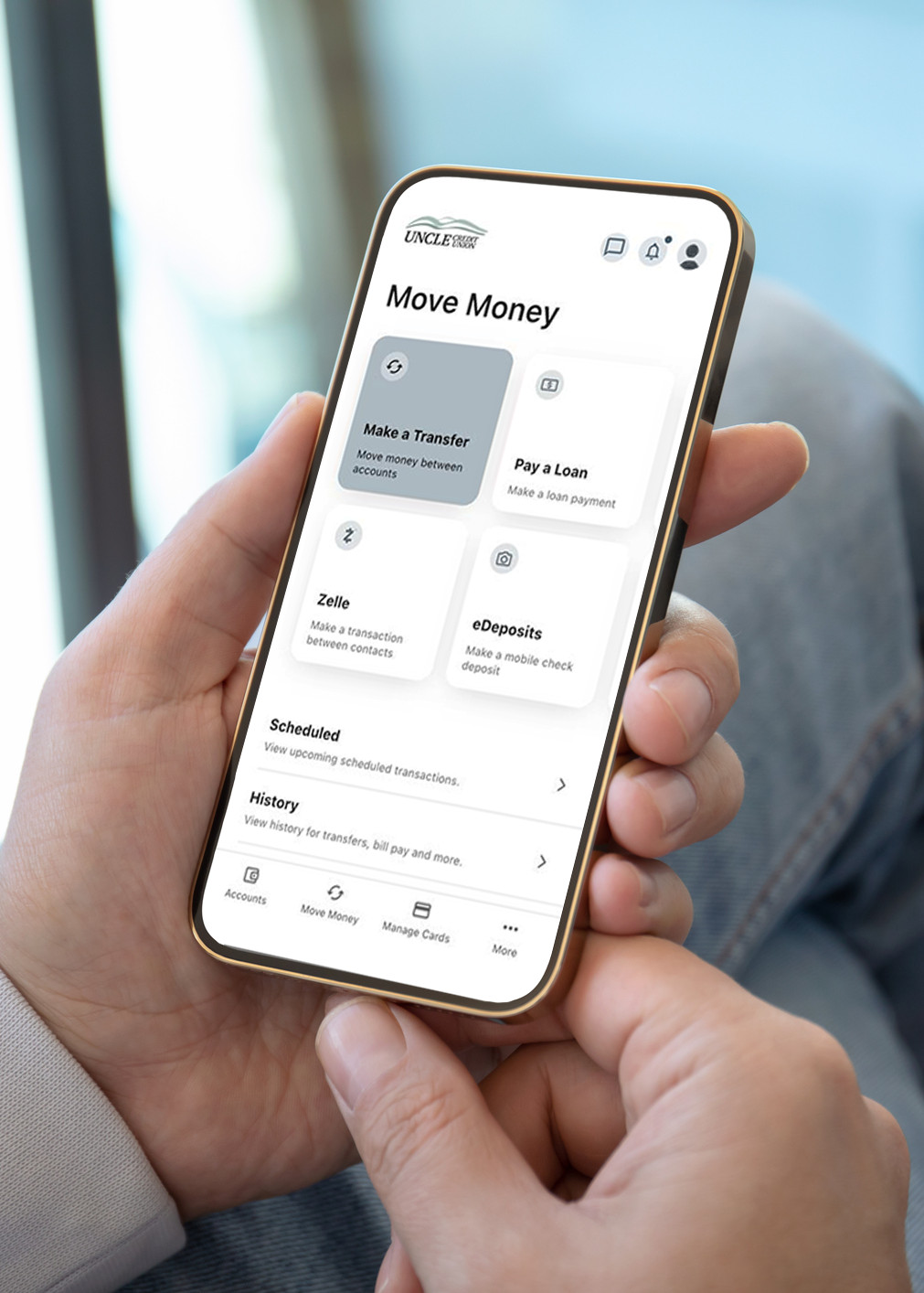
UNCLE's digital banking offers several payment options:
- Transfer money between your UNCLE accounts
- Transfer money to another UNCLE member
- Transfer money to/from your UNCLE accounts and other financial institutions
UNCLE's digital banking offers several payment options:
-
Transfer money between your UNCLE accounts
-
Transfer money to another UNCLE member
-
Transfer money to/from your UNCLE accounts and other financial institutions
There is no fee to transfer money between your UNCLE accounts, to other UNCLE members, or to external accounts at other financial institutions.
You can make one-time transfers, create recurring transfers or scheduled transfers. Transfers may be made directly to your share account or loan.
Electronic Transfer Authorizations
Complete an Electronic Transfer Authorization form to set-up, modify or cancel a recurring ACH payment from other financial institutions.
Electronic Transfer Authorizations
Complete an Electronic Transfer Authorization form to set-up, modify or cancel a recurring ACH payment from other financial institutions.
Add or Edit Electronic Transfer
Create a new or modify an existing recurring electronic transfer authorization.
Cancel Electronic Transfer
Complete this form to cancel an existing recurring electronic transfer.
Add or Edit Electronic Transfer
Create a new or modify an existing recurring electronic transfer authorization.
Cancel Electronic Transfer
Complete this form to cancel an existing recurring electronic transfer.
Payment Center
Use Payment Center to quickly and securely make your UNCLE Credit Union loan or credit card payments using funds from a savings, checking, or debit card account from another financial institution.
Payment Center
Use Payment Center to quickly and securely make your UNCLE Credit Union loan or credit card payments using funds from a savings, checking, or debit card account from another financial institution.
New Enrollment
Login to enroll, create your profile, set up payment sources, and schedule recurring payments.
Quick Pay